
Search
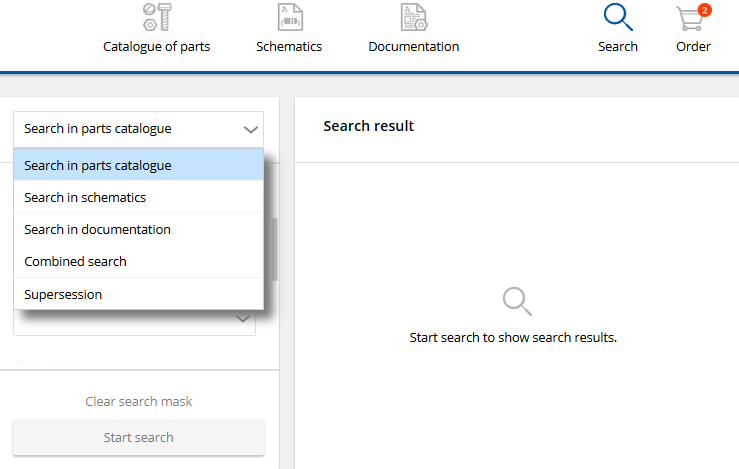
| 1 | In the pull-down menu you select what should be searched for in the parts catalog. |
| 2 | Complete the desired search fields. |
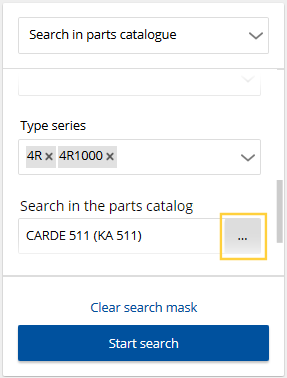
| 3 | Specify from which machine/level/assembly the search should be performed.
|
| 4 | Now you can start the search. On small devices the search result is shown in the compact view. |
Icons in the search result:
| Direct ordering from the search result |
| Additional information Document link(s), see Jump from parts catalog to the document Supersession, see Supersession |
| Jumps to the article in the parts catalog Alternatively double click on the entry |


