
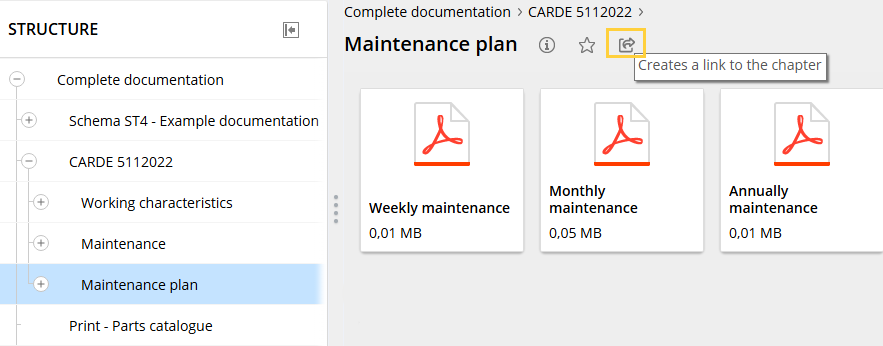
Create link to a chapter
|
|

For sharing purposes, the catalog URL with a link ID is copied to the clipboard.
When this URL is called up, the corresponding chapter/document is displayed in the catalog.
When logging in to the catalog, the login area appears first before the user is taken to the corresponding chapter/document.
If, for example, filters prevent the display, a corresponding message is displayed.